 Kraft collection
 Ring binders
 Sale
Sale
 BLOG
BLOG
 Newsletter
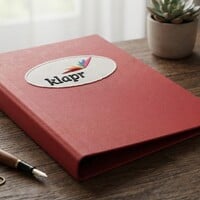
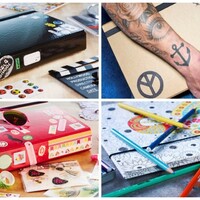
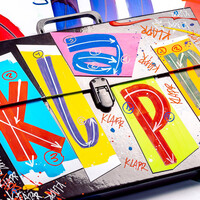
Would you like to add your own logo, design, or other custom printing to your product? You can easily do so using our new printing configurator on the product page.
For products where printing is available, you will find the “Have this product printed” button directly below the shopping cart button. From there, you can open the configurator and add your desired printing to your order.
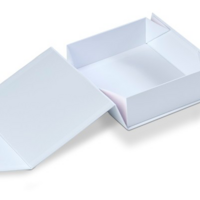
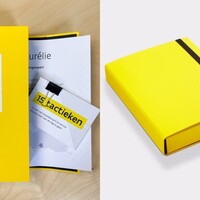
You can easily specify where and how you would like the product to be printed. This allows you to customise your ring binder, box, folder, or other product to perfectly match your brand identity.
Would you like to learn more about the different printing techniques, file requirements, and the printing process? Visit our “How does printing work?” page.
Want to have a product printed? Choose a product in our webshop and click “Have this product printed”.